
5 Best Split Scrolling WordPress Themes Compared - 2026
Last modified: May 24, 2026

Split scrolling themes divide the browser window into two independent scrollable sections, letting visitors navigate two pieces of content side by side. It is a distinctive design approach that works well for portfolios, agencies, and brands serving two distinct audiences at the same time.
Why Use a Split Scrolling WordPress Theme?
Split scrolling works best when you have two parallel offerings or narratives. A design agency might use one panel for case studies and the other for service packages. A restaurant with a bar might split the experience between a dining menu and a cocktail list. The layout itself becomes part of the brand statement.
There is also a practical argument: split scrolling removes the need to navigate between pages for closely related content. Both offerings stay visible, and visitors self-select which side applies to them.
That said, this design is genuinely complex to implement, which is why very few WordPress themes support it natively. Below are the best options currently available.
| # | Name | Image | |
|---|---|---|---|
| 1 |
Werkstatt
|
|
More Info
|
| 2 |
Borderland
|

|
More Info
|
| 3 |
Receptar
|
|
More Info
|
| 4 |
Divi
|
|
More Info
|
| 5 |
MagicBook
|
|
More Info
|
* This button will show the rest of the post and open up an offer from a vendor
Filter between free and paid
Werkstatt
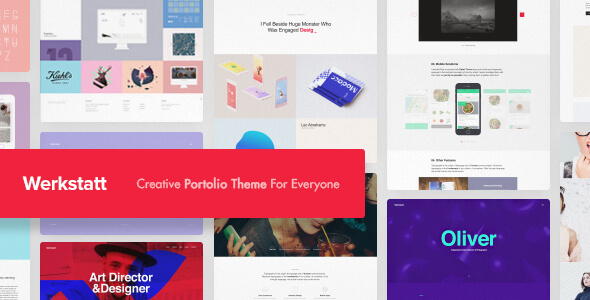
Werkstatt is a modern portfolio theme built for creative agencies, photographers, and designers. Its split screen layout displays two panels side by side, each independently scrollable, which is one of the cleaner native implementations of split scrolling available in WordPress.
Beyond split screen, Werkstatt supports vertical sliders, parallax scrolling, and animated abstract segments, so you are not locked into a single layout style. Multiple pre-built demo layouts are available to import with one click, which cuts setup time significantly.
The theme handles mobile responsively, collapsing the split view into a single-column layout on smaller screens. The code is well-structured for SEO purposes, and performance stays clean even with the animated layout options active. If you want a theme that can do split scrolling alongside other modern layout styles, Werkstatt is a strong starting point.
Borderland
Borderland handles split scrolling through its vertical split screen slider, which lets two panels scroll independently while keeping the overall layout structured and clean. The Passepartout border feature adds a gallery-like frame to the entire site, which works well for creatives and luxury brands that want a more refined presentation.
The theme includes portfolio layouts with a clients carousel and testimonial shortcodes, making it practical for agencies that need to display work samples alongside client social proof. Setup is straightforward, and the theme documentation covers the split screen configuration in detail.
Borderland performs well on mobile, where the split layout collapses cleanly into a standard single-column scrolling page.
Receptar
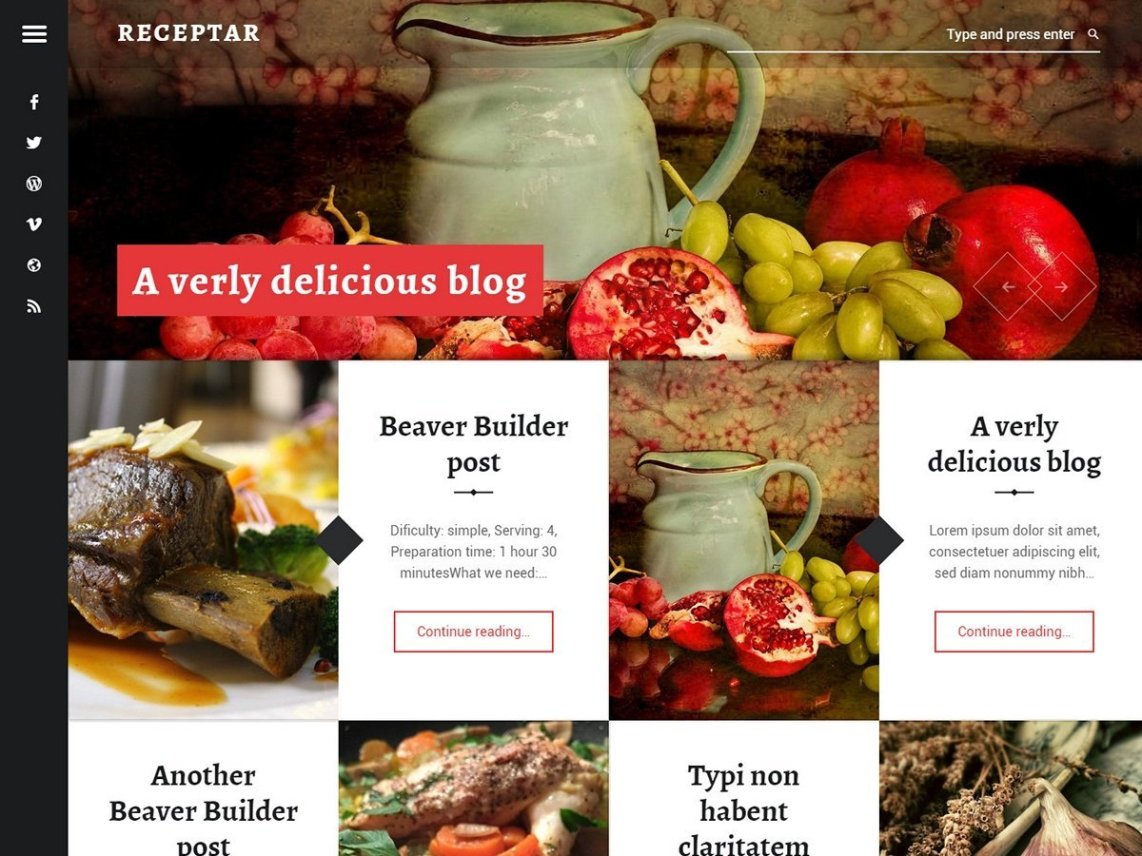
Because split scrolling WordPress themes are challenging to build for developers, there aren’t many who are willing develop them for free. Therefore, Receptar is the closest you’re going to come to a free split scrolling WordPress theme. It looks good with a modern, responsive design that is suitable for any bloggers or those who want to imitate the modern cook book feel.
However, it lacks certain functionality such as the split scrolling without using a premium plugin that can make it happen.
Still, this plugin does have some benefits. It includes Beaver Builder page builder and has Jetpack plugin support. It is translation ready and includes front page slideshow.
Receptor Highlights:
- A free design that looks impressive.
- Translation ready.
- Includes the Beaver Builder page builder.
- Has a good reputation on WordPress.org.
Divi
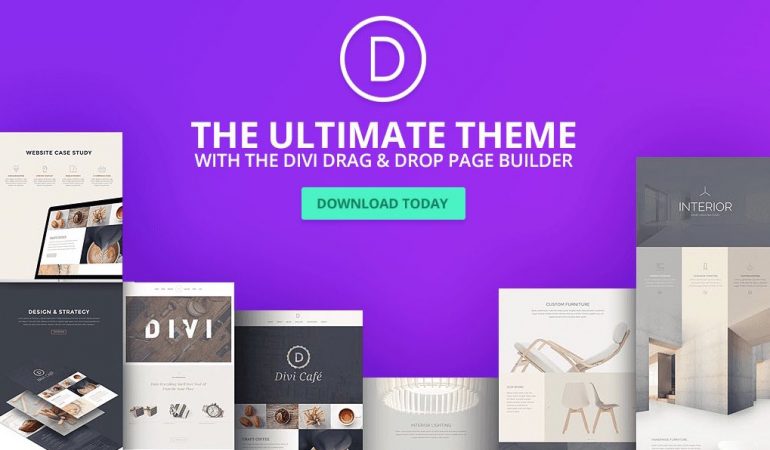
Divi is the most versatile WordPress themes and it can easily accommodate many styles, including split scrolling. For this to work, you might need to have some additional software, but the finished product will look great.
The clean look of any design you create with Divi will give your website that excellent style that will make you standout from the crowd. To get that perfect design, you can use the awesome and user-friendly Divi Builder page designer. It is really simple to start using and even those new to website design will get a handle on it quickly.
To create that perfect look, simply determine the section width and heights and then drag and drop the desired modules into place on the screen you want them. If your creativity isn’t flowing, then you can get a head start with the numerous demos available.
There are plenty of features with Divi that make it such a great choice for any WordPress website. The most impressive function is the Split Testing functionality. With this you can test and compare two different designs. Then you can determine which audiences prefer and implement it into your designs.
In addition, add some additional flair into your web design and incorporate some quality videos into your design. Videos can be hosted on sites like YouTube and Vimeo.
Divi is fully responsive. Therefore, it will look and function perfectly whatever device your website visitor is using, no matter if it’s a desktop or a mobile device. In addition, websites run with Divi tend to load quickly.
Divi is built with SEO in mind, therefore, with the right meta tags and other SEO best practices, its easy to rank with Divi. This can help drive traffic to your site and improve your site’s general performance.
Finally, there is a lot of community support available for Divi users. Therefore, if you’re experiencing some issues with your Divi theme, you’ll probably find someone who can help you out.
Divi Highlights:
- Divi is by far one of the best WordPress themes available to website owners.
- The theme is one of the best for SEO with clean code, fast loading.
- Easy to use drag and drop website builder for you to build the perfect website look.
- Community support to help you should you get into trouble with your Divi WordPress website.
MagicBook
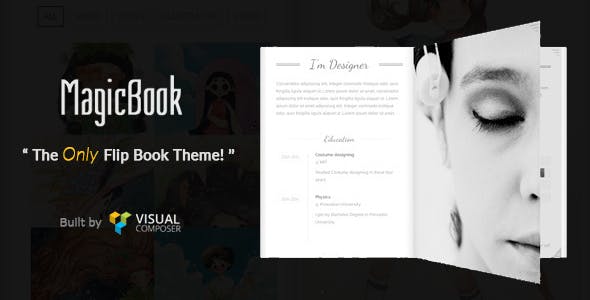
MagicBook leads with its 3D flip book animation, but it also supports split screen scrolling, making it one of the more visually distinctive themes on this list. If you want a theme that stops visitors on first load, the 3D perspective animation does exactly that.
The theme includes WPBakery (formerly Visual Composer) for layout editing, and it is fully responsive with confirmed cross-browser compatibility. The high number of features can look complex at first glance, but the bundled page builder keeps actual content editing manageable for most users.
It is a niche pick – best suited for portfolios or creative agencies where visual impact takes priority over simplicity. For straightforward business or service sites, the complexity is probably more than you need.
Final Thoughts On The Best Split Scrolling WordPress Themes
Split scrolling WordPress themes are a great way to attract visitors to your site. They allow you to appeal to two groups of your audience without having different webpages for them. However, there aren’t many of these themes. Nor can you get a free theme without using a premium plugin to help you. However, with the style of website, you can really make your website stand out from the crowd and impress website visitors. So which theme will you choose?
Related Posts



 Website Maintenance – Use Promocode: scanwp
  Advanced JetPlugins for Elementor
  Semrush 14 days trial
  Kinsta – Managed WordPress Hosting
  Bluehost Hosting