4 WordPress Quiz Plugins Compared - 2026
Last modified: June 16, 2026

A WordPress quiz plugin lets you add interactive quizzes, assessments, and surveys directly to your site without writing code. Whether you want to test your readers’ knowledge, help them find the right product, or collect feedback, a quiz plugin handles the structure, scoring, and results display for you. Adding a quiz is one of the most effective ways to increase time-on-page and give visitors a reason to come back.
WordPress Quiz Plugins: Interactive Websites
Visitors come to websites for different reasons. Some want product information, some want blog content, and some just want to explore. Whatever your site is about, a well-placed quiz adds a layer of interaction that plain articles cannot match. A WordPress quiz plugin lets you build quizzes that fit your content, whether that is a scored knowledge test, a personality-style quiz, a product recommender, or a self-assessment. Many plugins also support point systems and multiple answer formats, so you can match the quiz style to your audience. The result is a more engaging site that keeps people clicking rather than bouncing.
What to Look for in a WordPress Quiz Plugin
Not all quiz plugins work the same way. Before choosing one, consider which features matter most for your use case:
- Quiz types: Scored quizzes, personality quizzes, trivia, and surveys all have different logic. Make sure the plugin supports the format you need.
- Conditional logic: Show different questions based on previous answers. This is essential for self-assessments and recommendation quizzes.
- Results and score display: Control what users see at the end: a score, a result category, custom messages, or a redirect.
- Email capture: Some plugins can require an email address before showing results, which integrates well with list-building.
- Analytics and reporting: Track which answers users choose and how they score, so you can improve your content over time.
- WooCommerce integration: If you run a shop, a product-recommendation quiz can guide buyers to the right item.
- Free vs paid tiers: Several strong plugins offer a free core with paid upgrades for advanced features.
Free vs Premium WordPress Quiz Plugins
Free WordPress quiz plugins cover a lot of ground. Quiz and Survey Master and Watu are both available on the WordPress plugin directory at no cost, and both handle scored quizzes, multiple question types, and basic results pages without requiring a paid plan. They are a solid starting point for blogs, educational sites, and simple assessments.
Premium plans become worthwhile when you need conditional logic, detailed per-user analytics, email integrations, or the ability to gate results behind a lead form. Plugins like Quiz Maker and Opinion Stage offer these features through paid tiers, which makes them a better fit for marketers and businesses running lead generation campaigns or interactive content at scale.
If you are just adding a fun quiz to a blog post, the free options will serve you well. If you need your quiz to do real work, such as qualifying leads or matching users to products, it is worth considering a premium plan.
Here are 4 WordPress quiz plugins worth considering:
| # | Name | Image | |
|---|---|---|---|
| 1 |
Quiz and Survey Master
|

|
More Info
|
| 2 |
Quiz Maker
|
|
More Info
|
| 3 |
Opinion Stage - Polls, Surveys, & Quizzes
|

|
More Info
|
| 4 |
Watu
|

|
More Info
|
* This button will show the rest of the post and open up an offer from a vendor
Quiz and Survey Master
This program used to be known as Quiz Master Next and is still at the top of the review list. This plugin comes in a free and paid version. The free version carries with it everything you need to keep your guests engaged.
The add-ons on the premium version start at $15 each, and can add even more customizable options to make the plugin more convenient. A dashboard, advanced reporting, and email marketing are a few of these choices. The full range of quiz formats is available, including multiple choice, fill in the blank, and drop down options.
You can choose the way the quizzes are scored. Some popular options include points that are added up or correct/incorrect. Guests may be riddled with curiosity about themselves. Quizzes often play on this by offering questions about preferences. The answers offer a result that tells the reader something they may want to learn about themselves. The quizzes can offer facts, personality traits, and color schemes.
Quiz Maker
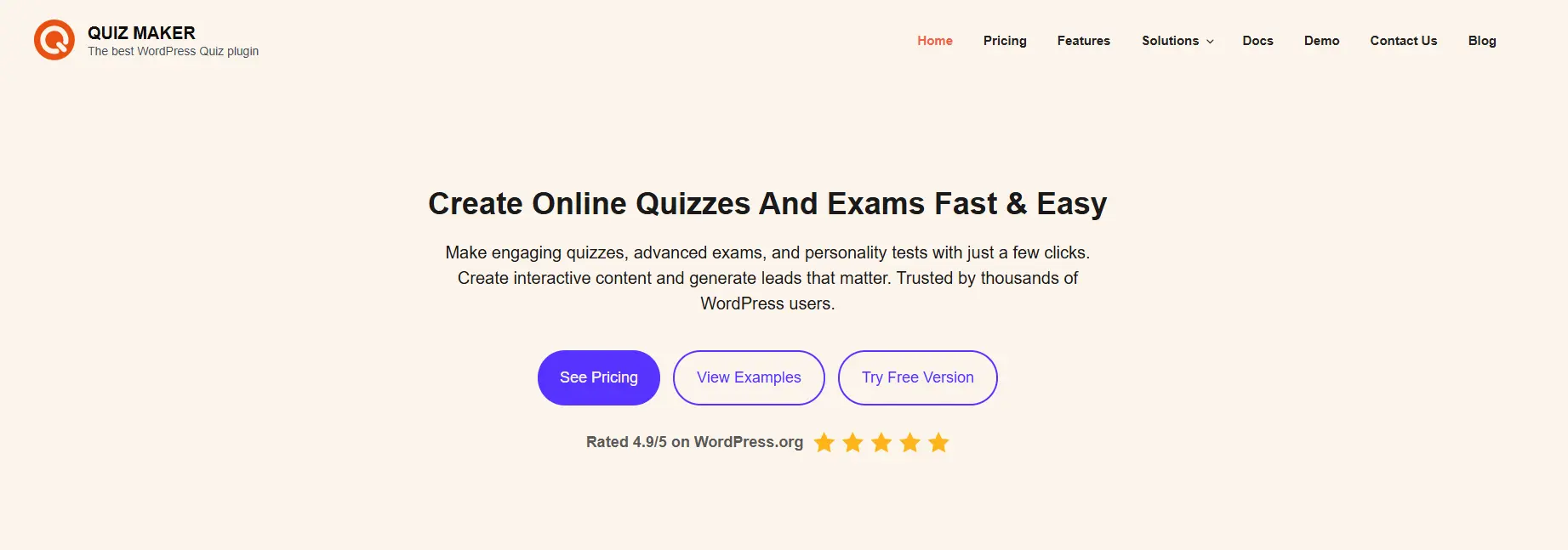
Quiz Maker makes building online quizzes and exams simple while giving you powerful tools to create engaging experiences for your audience.
Quiz Maker is designed for ease of use, so you can set up professional quizzes quickly without technical complexity. A clean interface and guided setup help you move from idea to published quiz in very little time.
Quiz Maker is rich in features that support a wide range of use cases. Create structured exams for education or training, personality quizzes that reveal insights to participants, and product recommendation quizzes that guide customers toward the right choices.
Whether you want straightforward assessments or interactive quiz experiences, Quiz Maker adapts easily to your needs. Results and feedback can be customized to keep users informed and engaged while maintaining clarity and consistency.
Opinion Stage - Polls, Surveys, & Quizzes
If you want to keep your readers interested, there’s no better way to do that than adding interactive features to your site. One of the top options for that is adding Opinion Stage to your site. Over 100,000 sites are currently using this plugin on their site in order to interact & drive traffic, but more importantly – generate leads and sales.
Here are some of this plugin’s top features:
- Create quizzes with their ready-built templates
- Built for social sharing
- Customize the quiz look (including overriding the current
CSS) - Integrated lead form, built for high conversion optimization
- Advanced quiz reporting dashboard
- Built-in integration with many marketing tools
- Built-in email notifications
- Embed anywhere on the web
- And much more
Watu
Watu is another site that has both a free and premium option. The free version is a great starting point for providing a variety of quizzes. The quizzes present well on mobile devices, as well as computers, giving your readers the versatility they desire.
The premium version costs about $47 and adds increased functions such as a variety of question types, more categories, and randomization. The increased customizations make the price well worth it for the premium version. Quiz takers can expect to have their points added up and produced for them at the end. Even the free version offers a variety of add-ons.
Integration with WooCommerce MailChimp can make your organization easier. Watu has a fully functional free site with attractive add-ons on the premium version.
Final Thoughts
Choosing the right WordPress quiz plugin depends on what you need your quiz to do. Quiz and Survey Master is the most flexible free option, covering everything from simple trivia to multi-section assessments. Watu is another free pick that works well for scored knowledge tests with straightforward grading. Quiz Maker steps up with a polished interface and strong premium features, making it a good choice for educators and course creators. Opinion Stage is built for polls and audience engagement, and works particularly well for media sites and content marketers.
If your main goal is a WordPress assessment plugin or a self-assessment quiz, Quiz and Survey Master and Quiz Maker both handle conditional scoring and result categories without much setup. For a quick poll or survey, Opinion Stage gets you there faster.
All four plugins are worth testing on a staging site before committing. Start with the free version of whichever matches your quiz type, and upgrade only if you hit a wall with the features you actually need.
Related Posts




 Website Maintenance – Use Promocode: scanwp
  Advanced JetPlugins for Elementor
  Semrush 14 days trial
  Kinsta – Managed WordPress Hosting
  Bluehost Hosting