
6 WooCommerce Color Swatches Plugins – Compared - 2026
Last modified: June 25, 2026

The e-shopping experience for customers gets a real boost when product color options are easy to see and click. One of the best ways to improve product pages with variable attributes is to replace the default WooCommerce dropdown with visual color swatches. WooCommerce color swatches let shoppers see every available color at a glance, pick what they want in one click, and move faster toward checkout.
WooCommerce’s default variation selector is a plain dropdown menu. It works, but it is not visually engaging and it slows down the shopping process. A WooCommerce color swatches plugin replaces that dropdown with color circles, image thumbnails, or labeled buttons, which reduces friction and can improve conversion rates.
What to Look for in a WooCommerce Color Swatches Plugin
Before choosing a plugin, consider these criteria:
- Swatch type support: The best plugins support color swatches, image swatches, and label swatches so you can show any type of variation correctly.
- Out-of-stock handling: A good plugin crosses out or grays out unavailable variations rather than letting customers click them and hit an error.
- WooCommerce compatibility: Always check that the plugin supports your current WooCommerce version before installing.
- Tooltip support: Hovering over a swatch to see the variation name before clicking improves usability, especially for color-blind shoppers.
- Free vs. paid: Several solid free options exist in the WordPress plugin directory. Paid plugins from CodeCanyon typically add auto-sync, bulk editing, and shop page swatches.
There are Many WooCommerce Color Swatches Plugins to Choose From
So, lets see what the top options are…
| # | Name | Image | |
|---|---|---|---|
| 1 |
Color and Image Swatches for Variable Product Attributes:
|
|
More Info
|
| 2 |
WooSwatches
|
|
More Info
|
| 3 |
WooCommerce Variation Master
|
|
More Info
|
| 4 |
Openswatch - Woocommerce variations image swatch
|
|
More Info
|
| 5 |
Variation Swatches for WooCommerce
|

|
More Info
|
| 6 |
Variation Swatches by ProductX
|

|
More Info
|
* This button will show the rest of the post and open up an offer from a vendor
Filter between free and paid
Color and Image Swatches for Variable Product Attributes:
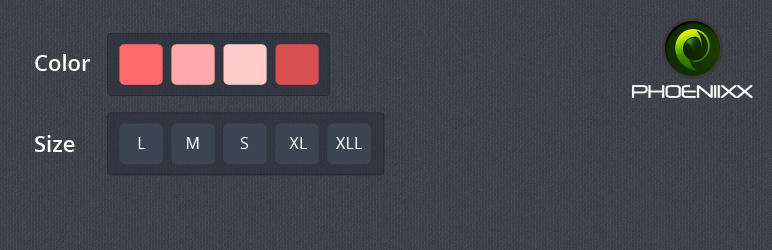
The Color and Image Swatches for Variable Product attributes is a free plugin by Phoenixx, available in the official WordPress plugin directory. It is compatible with WooCommerce 3.0 and later.
WooCommerce’s built-in dropdown selector for color variations is functional but not visually appealing. This plugin replaces it with color circles and image thumbnails that shoppers can click directly. The result is a more visual product page that makes it easier to browse available color options at a glance.
Because the plugin is free and hosted in the WordPress.org repository, it is easy to install and update through the standard plugin manager. It is a practical starting point for store owners who want to add WooCommerce color swatches without a paid license.
Key features:
- Supports color swatches, image swatches, and label swatches
- Replaces the default WooCommerce dropdown for variable products
- Compatible with WooCommerce 3.0 and above
- Free and available from the WordPress plugin directory
WooSwatches
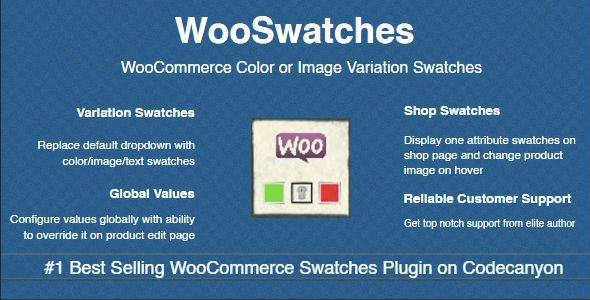
Available at CodeCanyon, WooSwatches is a best seller among WooCommerce color swatches plugins. The drab looking default drop down color selections are made more attractive by this easy to use WooCommerce color swatch plugin.
Exciting features of this WooCommerce color swatch plugin include:
- Option to create global attributes and override them on a specific product page while editing
- Option to show one color attribute on the shopping page and changing the image or color attributes when hovering
- Great customer support
- Stylized swatches with square and round shapes
- Filtering based on colors
Also, the improved feature on this plugin lets the users choose only the available colors by blocking out those that are unavailable. Out of stock product variables are not displayed which minimizes confusion and wrong selection (This is a great feature FYI).
WooSwatches is highly compatible with all templates and with WordPress Multilingual themes. Great documentation and support are other impressive features with this WooCommerce color swatches plugin. Six months of technical support with the option to extend to 12 months is an added bonus which exists on all CodeCanyon products.
WooCommerce Variation Master
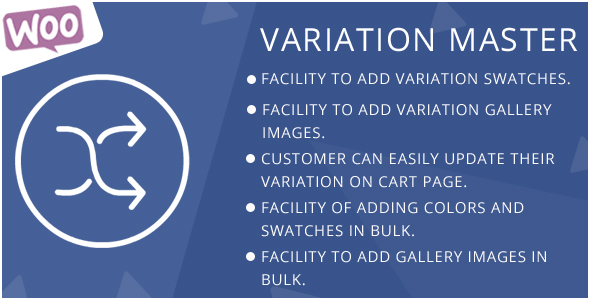
Also from CodeCanyon, this WooCommerce color swatch plugin is very easy to install & get it working and it comes with great features. The plugin shows a display when the product variable is not available
Other exciting features of this WooCommerce color swatches plugin are:
- You can import and export swatches easily
- You can also add swatches in bulk
- Create combinations of color and image swatches
- Add unlimited attributes and variations including colors, patterns and sizes
- You can describe each attribute
With WooCommerce Variation Master you can embed gallery images and control module wise from a single page.
Openswatch - Woocommerce variations image swatch
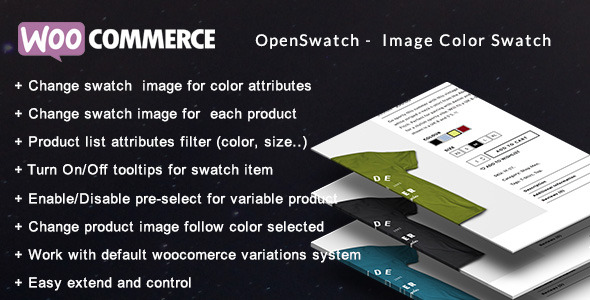
Launched in 2015, the Openswatch WooCommerce variations image swatch plugin gives store owners control over how color and image swatches display on both product pages and shop listing pages.
One of the more useful features is the ability to enable or disable swatches on category and shop pages separately from the product detail page. This means you can show small color dot swatches on shop archives to help shoppers filter visually, while using larger image swatches on the product page itself.
Key features:
- Enable or disable color swatches on shop listing pages independently from product pages
- Change the product image based on the selected color swatch
- Supports color swatches and image swatches for variable products
- Compatible with standard WooCommerce variable product setup
Variation Swatches for WooCommerce
Available in WordPress’ official plugin directory, this WooCommerce color swatches plugin allows you to extend the default features on WooCommerce without disturbing them. This plugin by ThemeAlien is easy to install and get ready to use on your Woocommerce site, and best of all, since it comes from WordPress’ free directory – it’s free to download and use on as many sites as you want.
Variation Swatches by ProductX
The ProductX Color Swatches allow Woo Shop Owners to color variations of products with ease! With its intuitive settings panel, shop owners can design how the color variations appear before buyers.
Among the many amazing features of the ProductX color swatches, you have:
- Settings to set either a square or rounded color swatches
- Enable or disable the swatches tooltip
- Show or disable the product swatches on the shop or archive page
- Show product image with color swatches
- Choose the positioning of the color swatches
- Design the color swatches panel with in-built settings
Do you know what’s great?
You can do a lot more – the feature isn’t just for color swatches. It can help you show other product attributes as well. Also, you have a lot more sales and conversion booster features that come with ProductX.
Conclusion
The default variation options that come with Woocommerce don’t exactly stand in one line with UX trends and useful design like we know is really important these days. Having a well structured site that appeals to your clientele is important since it affects your conversion rate. If you have an eCommerce website and are using WooCommerce’s default variation options, it’s pretty important that you choose one of the above plugins and make your site more accessible to your clients. Just watch how your conversions will skyrocket.
In general, if you are looking for plugins for specific needs, you can always use our free tool, these are the plugins that have tags named Swatches, so you can find them easily – swatches plugins.
Related Posts




 Website Maintenance – Use Promocode: scanwp
  Advanced JetPlugins for Elementor
  Semrush 14 days trial
  Kinsta – Managed WordPress Hosting
  Bluehost Hosting